Control Tower, feature by feature
This is the real app, running, not a mockup. Click any highlighted part of the screenshot below -- or the list beside it -- to see what that piece actually does and why it's built that way.
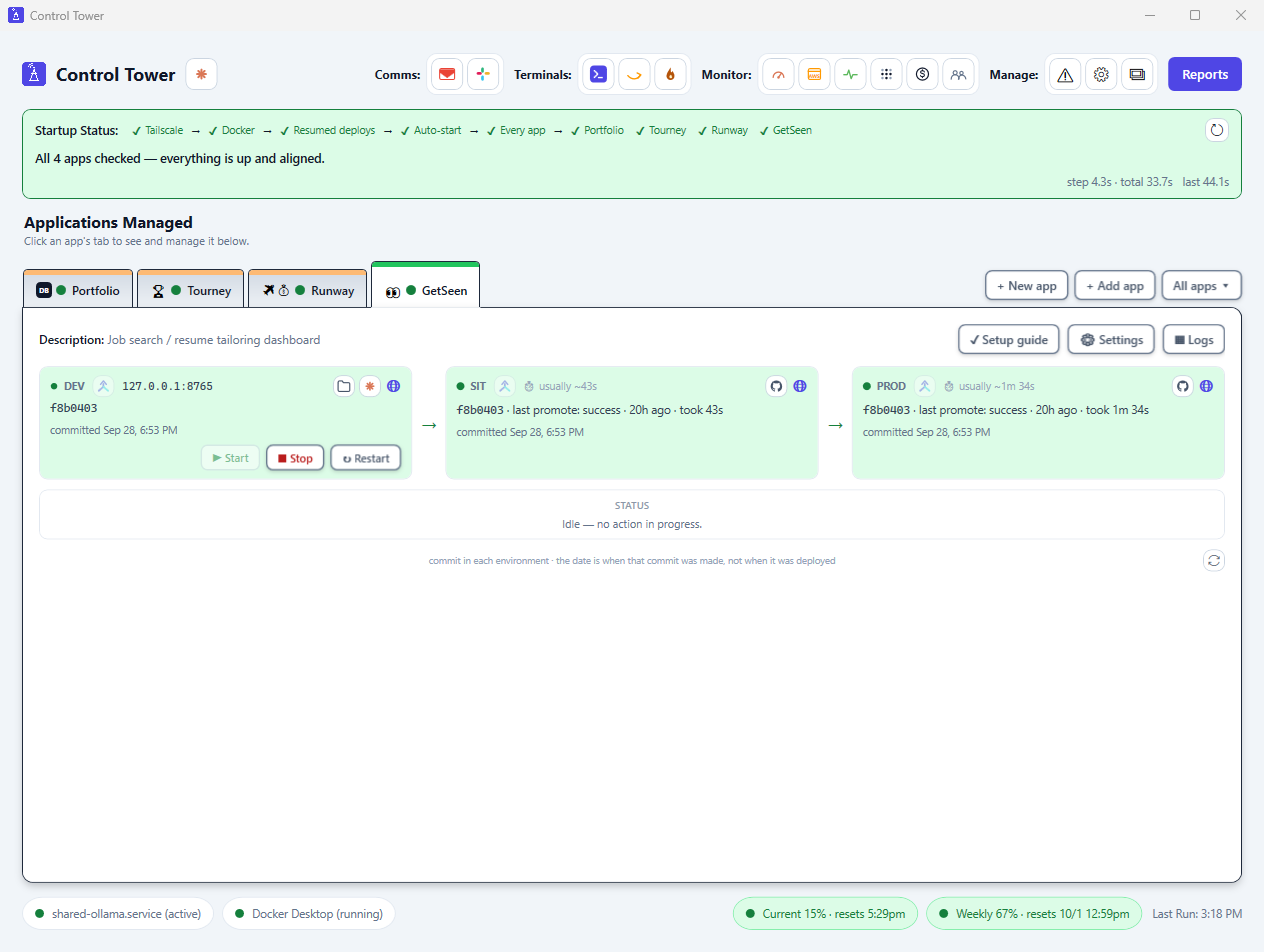
Nothing selected yet — click a highlighted area on the screenshot, or a feature on the left.